Activating a drawer
Before you can start processing point-of-sale transactions, you must activate the drawer you are going to use. This process allows you to specify how much cash is in your drawer at the beginning of the day.
Follow these steps to activate your drawer:
-
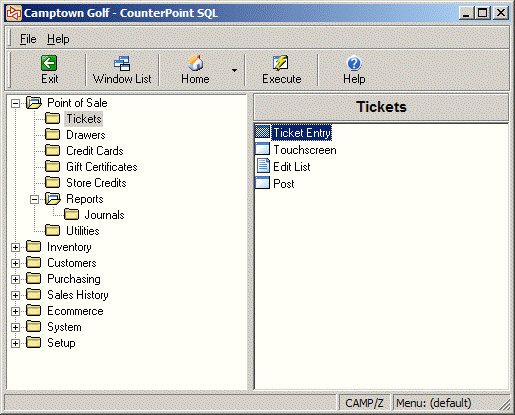
From the main menu, click Point of Sale, click Drawers, and then click Activate.
-
From the
 Activate Drawer window, enter the Drawer you want to activate or click the
  button to look up a drawer to activate.
You can only activate a drawer that you are authorized to use. If you specify a drawer for which you are not authorized, an error message appears, alerting you that the drawer is not valid.
-
Click Activate to display the Activate Drawer window.
-
Enter the amount of cash in the drawer in the Amt activated field.
- or -
Click the Count cash units button, and then enter the number of each denomination of Coins, Rolls, and Bills in the drawer in the corresponding Count fields. The Total amount in the drawer is calculated automatically. When you have counted all the cash in the drawer, click OK to return to the Activate Drawer window.
-
Click OK to activate the drawer. A message alerts you that the drawer has been activated.
Select the Do not show again check box if you don't want to see this message every time you activate a drawer.
-
Click OK to close the message, and then click Close to return to the Point of Sale menu.